Building a Mobile App: 8 Steps from Idea to the App Store and Google Play
How do you get a mobile app built? An 8-step guide covering the idea, MVP, UX design, technology, back end, security, testing and store release.
If you have an idea for a mobile app but don't know where to start, you are not alone. Building an app involves many connected steps: design, software development, testing and store release. In this post we share the 8 steps that take an idea all the way to a live app on the App Store and Google Play, based on what we have learned from our own projects.
1. Define the problem and the audience
A good app solves a clear problem. Before writing any code, answer these questions in writing: Who will use the app? Which problem will it solve? How do they handle it today? Download competing apps and note the most common complaints in their reviews. This helps you choose the right features and set your app apart.
2. Keep the first version (MVP) small
The most common mistake is trying to fit everything into the first release. The smallest feature set that delivers the app's core value is called an MVP (Minimum Viable Product). Launch that core first, then improve it based on real user data. This way you spend your budget and time on what matters most.
3. Design the user experience
Design the flow before the visuals: what does the user see first, and how many steps does a task take? Once you agree on screen flows and wireframes, move on to an interface that fits your brand identity. Testing the design with a clickable prototype is the cheapest way to catch problems before any code is written.
4. Choose the right technology
You can build separate native apps for iOS and Android, or use cross-platform technologies that target both from a single codebase. For most business apps, cross-platform is faster and more economical; native development can make more sense for apps that rely heavily on the camera, sensors or demanding graphics. Decide based on the app's needs and your long-term maintenance plan.
5. Don't forget the back end and admin panel
The app users see is only part of the work. Features such as accounts, notifications, payments, content and reporting need a server infrastructure (back end) and an admin panel to manage it. If your app will also have a web version or a desktop program, having them all share the same infrastructure keeps data consistent and maintenance simple.
6. Security and legal requirements
Any app that collects user data should store it encrypted and use secure connections. Plan privacy notices and consent flows required by data protection law from the start, along with any payment regulations that apply. The App Store and Google Play also require a privacy policy and data usage disclosures, so don't leave these texts until the last minute.
7. Test, then test again
Try the app on different screen sizes, operating system versions and connection speeds. A closed beta with a small group of users before launch reveals missed bugs and confusing screens. Set up crash reporting and analytics from day one.
8. Store release and beyond
The App Store and Google Play each have their own review guidelines. Screenshots, app description, icon and category choice affect both approval and how easily people find your app, which is known as ASO (App Store Optimization). After launch, follow user reviews, ship regular updates and keep up with operating system changes. Like a website, an app is a living product.
App project checklist
- Are the problem and the target audience defined in writing?
- Has the first release been trimmed down to an MVP?
- Have the screen flows been tested with a prototype?
- Are the back end, admin panel and notifications planned?
- Are the privacy policy, consent texts and store disclosures ready?
- Are beta testing, analytics and crash reporting in place?
Conclusion
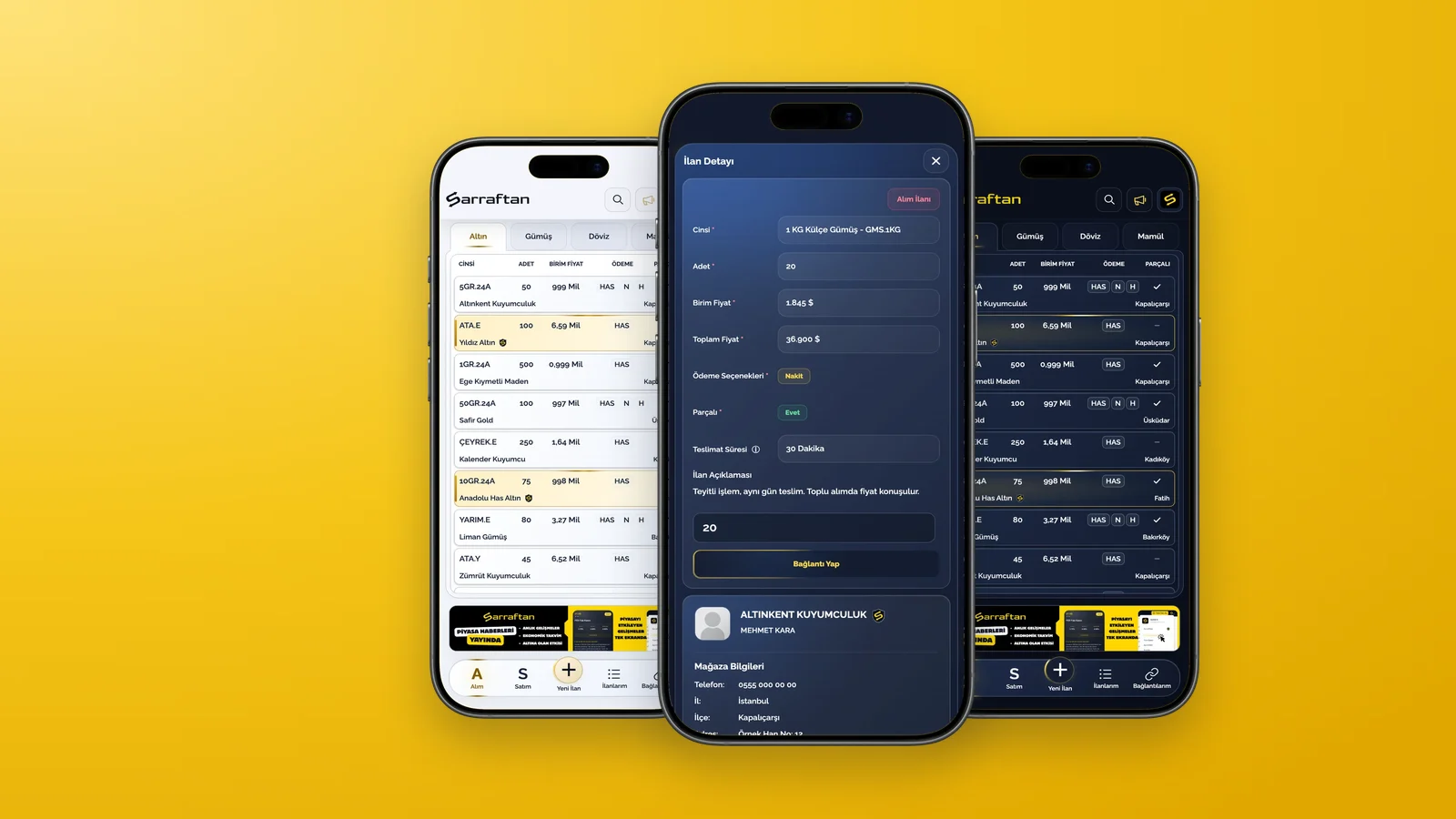
A successful mobile app comes from a well-defined idea, a good user experience, solid infrastructure and a maintenance plan that continues after launch. For Sarraftan, a trading platform for jewellers, we ran the whole process end to end, from design and software to App Store and Google Play release.
If you want to bring your own app idea to life, take a look at our web and software service and our UI/UX projects.